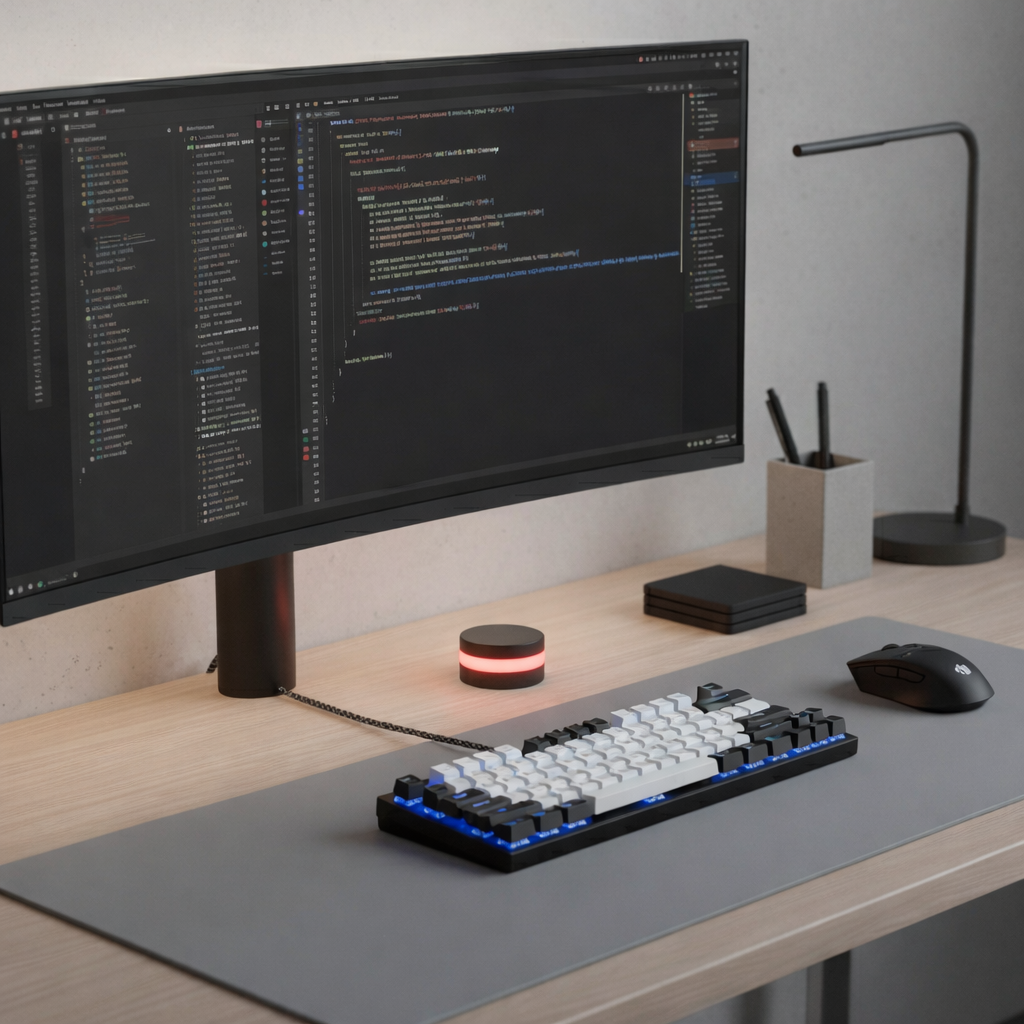
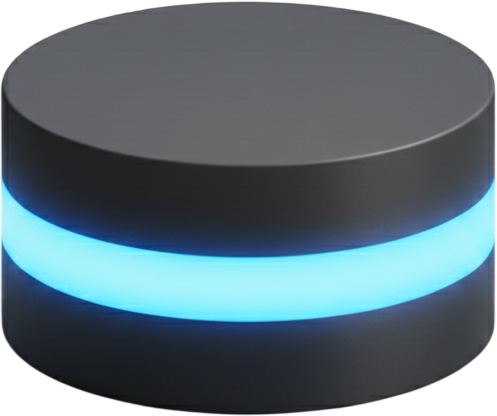
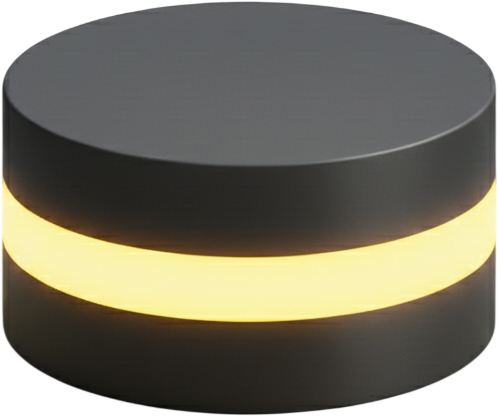
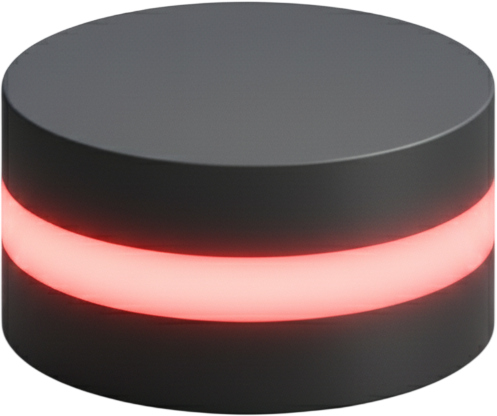
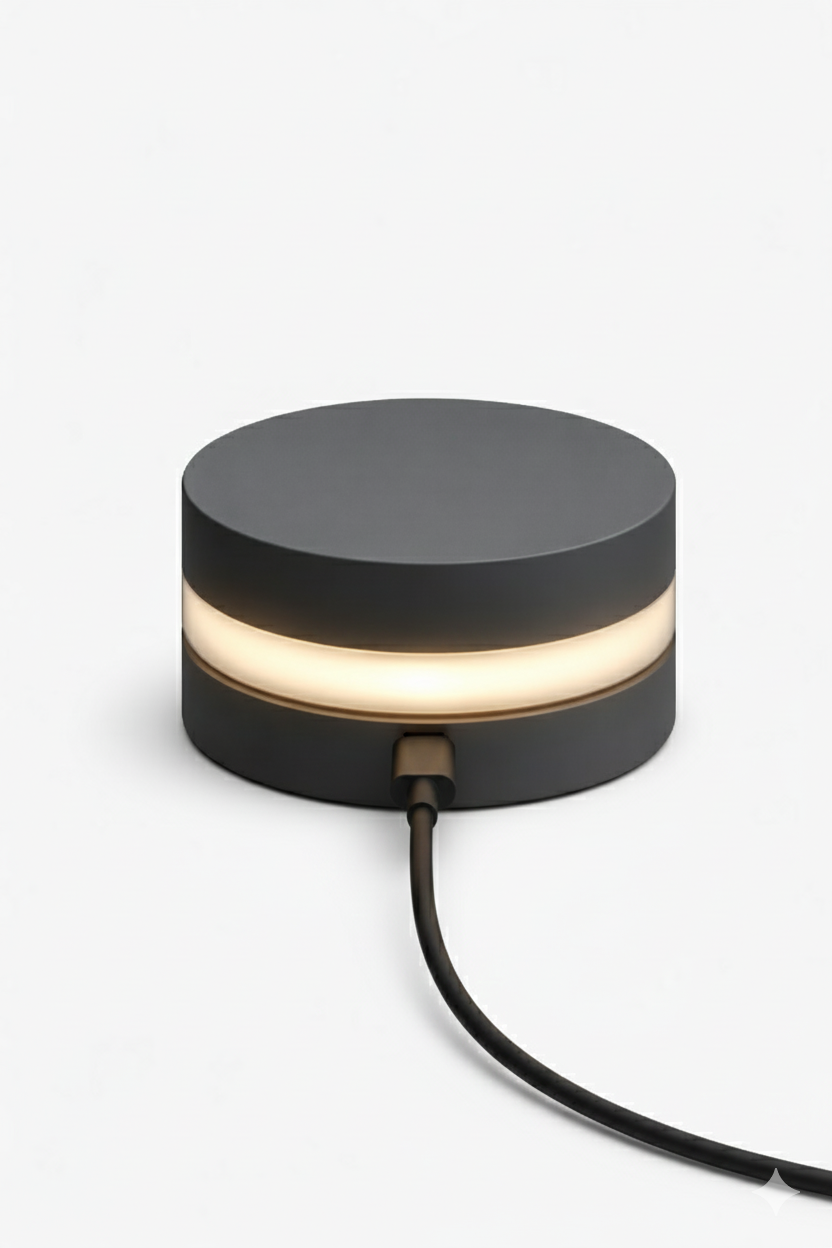
A USB-C light that glows the second Claude Code is waiting for input. You see it, you respond, nothing stalls.
No screen to watch. No annoying sounds. Just a glow you catch without trying.
Pre-Order Now — Limited First Batch Pre-Order Now
Claude finishes. It waits. You don't notice. You're reading a PR. Scanning docs. Making coffee. And the whole time, Claude sits idle with a blinking cursor in a background tab. There's no sound. No popup. Nothing breaks through.
Five minutes pass. Then ten. One missed prompt won't ruin your day, but twenty of them will.
The slowdown is invisible — until you add it up.
Right now you interrupt yourself to check. You glance at the terminal, see nothing, go back, and do it again two minutes later. That loop runs whether Claude is waiting or not.
Halo replaces all of it with a single signal. A light in your peripheral vision. When it glows, you respond. When it doesn't, you stay focused. The checking habit disappears because the uncertainty does.
Plug in. Install. Done.
Connect Halo to any USB-C port on your machine. One cable for power and data.
$ npm install -g halo-terminal # Install the CLI $ hat setup # Configure Claude Code hooks ✓ Ready to go
Install the CLI and run the one-time setup to link Halo to Claude Code.
See the glow the moment your input is required. No guessing, no checking.
Single cable. One-time setup.
Works with Linux, macOS, and Windows.
We didn't want another notification layer. We wanted something that works when the screen is off, the headphones are on, and you've walked away from the desk.
Software can't do that. A physical light can. It doesn't compete for your attention — it simply exists at the edge of your vision, and you notice it when it matters.
Designed to be seen when you need it, without being intrusive.
A few minutes of setup in exchange for hours of saved focus.
Step away from the screen. Come back the instant it counts.
Pre-Order Now — Limited First Batch Pre-Order NowMade by developers who got tired of checking.